
BEST WORDPRESS PLUGINS
6 Best WordPress Booking Plugins in 2026
Published 6 August 2026 · 12 min read
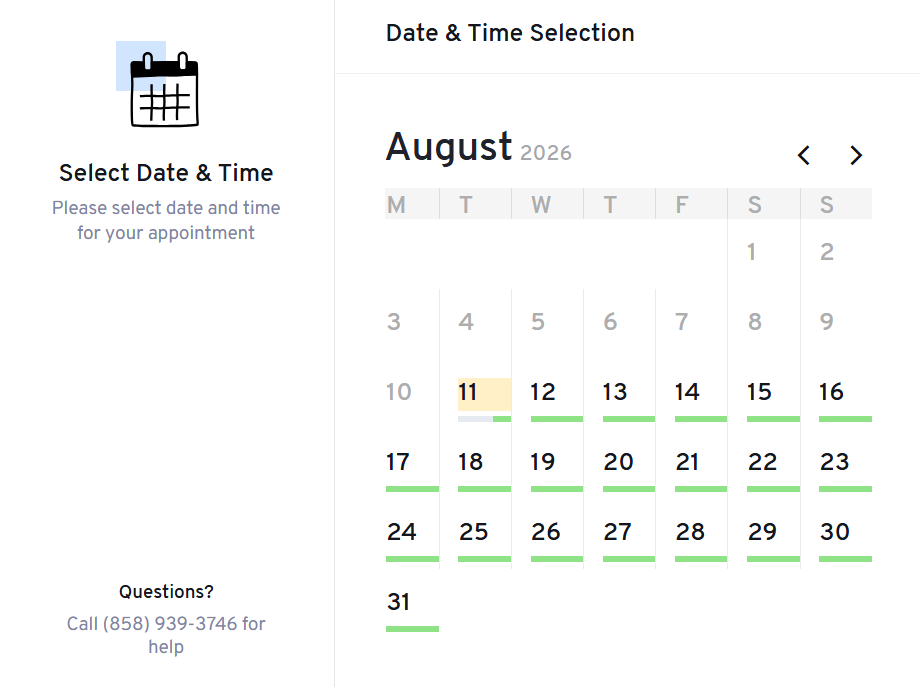
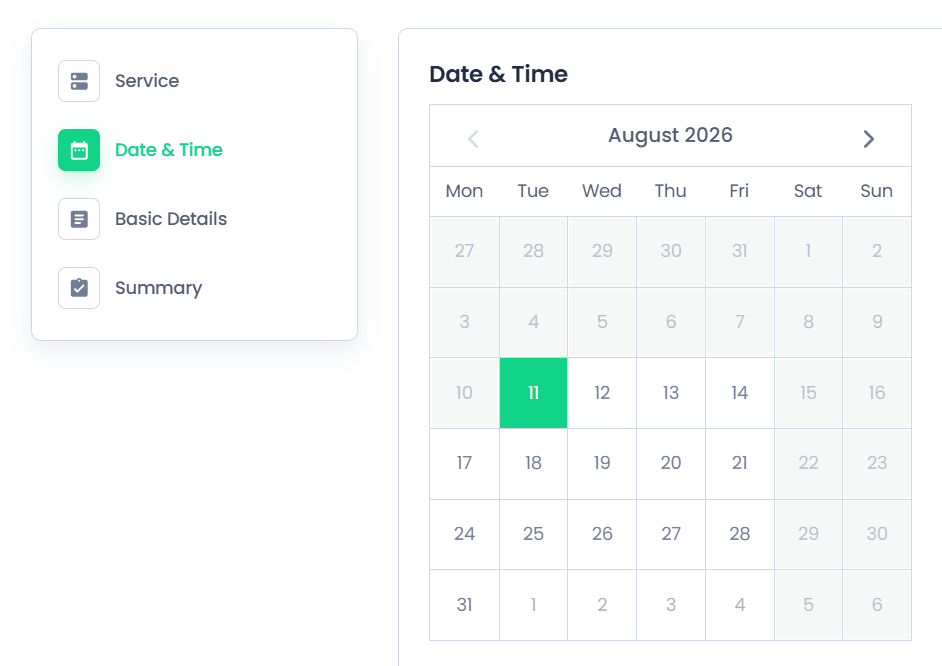
If your business needs online booking functionality, you will quickly enter a crowded market with many WordPress booking products. Every plugin has its own strengths, feature set, pricing model, and preferred type of workflow.
The useful question is not which plugin has the longest feature list. It is which one suits your business best. A consultant may need video appointments, a photographer may schedule sessions, a yoga studio may manage classes, and a service business may let customers choose a time for a specific service. This comparison starts with those practical needs.
Best WordPress booking plugins by use case
- Best all-round booking platform: Amelia
- Best free all-purpose appointment plugin: Creavi
- Best for service operations: LatePoint
- Best Calendly-style team scheduling: FluentBooking
- Best for automation and integrations: Booknetic
- Best for flexible add-ons: BookingPress
How we evaluated these booking plugins
We compared appointment limits, service and staff structure, calendar behavior, built-in video conferencing, form customization, branding, embedding methods, pricing boundaries and everyday setup. We reviewed official product pages and public feature information on August 17, 2026. Pricing and plan boundaries can change, so verify current vendor terms before purchasing.
Creavi is our own plugin, so we evaluate it using the same practical criteria and link directly to detailed feature guides. Its focus is fast setup, broad appointment flexibility and a clean booking journey for businesses and professionals across industries.
Once you’ve picked a plugin, our step-by-step guide to adding booking to WordPress shows the full setup with Creavi.
What makes a good WordPress booking plugin?
Before comparing brands, define what your customers and team actually need. In our view, these are the most useful criteria.
-
Service limits
How many services can be created.
-
Booking limits
How many appointments can be accepted and whether monthly or total booking limits apply.
-
Availability and scheduling
Working hours, excluded dates, notice periods, time zones, buffers, and recurring availability.
-
Form customization
Customer questions, consent, required information, field types, and control over booking steps.
-
Branding
Colors, images, logos, typography, labels, emails, and how naturally the booking flow fits your website.
-
Calendar integrations
Google Calendar and Outlook connections, busy-time checks, event creation, and synchronization.
-
Video conferencing
Built-in secure video conferencing for online appointments, plus Meet, Zoom, Teams and custom meeting URLs where offered.
-
Business workflow
How smoothly the plugin supports the everyday booking journey from availability to confirmation.
-
Appointment types
Online, in-person and telephone appointments, recurring availability and different service formats.
-
Staff
Separate services, calendars, schedules, roles, dashboards, permissions and provider-specific booking pages.
-
Setup and usability
How quickly the plugin can be installed, configured, published, and managed every day.
-
Free versus paid
Whether a feature is included, limited in a free edition, or requires a plan or add-on.
Feature comparison
| Plugin | Unlimited services / events | Unlimited bookings | Availability controls | Brand customization | Calendar sync | Built-in video conferencing | Multi-staff support |
|---|---|---|---|---|---|---|---|
| Amelia | ✓ | ✓ | ✓ | ✓ | $ | $ | $ |
| LatePoint | ✓ | ✓ | ✓ | ✓ | $ | $ | $ |
| FluentBooking | ✓ | ✓ | ✓ | ✓ | $ | $ | $ |
| Booknetic | $ | $ | $ | $ | $ | $ | $ |
| BookingPress | ✓ | ✓ | ✓ | ✓ | $ | $ | $ |
| Creavi | ✓ | ✓ | ✓ | ✓ | ✓ | ✓ | ✓ |
BEST FOR: THE STRONGEST ALL-ROUND BOOKING PLATFORM
1. Amelia
- Polished booking and administration interfaces
- Appointments and events in one system
- Strong employee, location, and capacity tools
- Broad payment and financial features
- Many standout features require a paid plan
- More settings mean a longer setup
- May be more system than simple scheduling needs
Amelia suits salons, clinics, fitness studios, educators, and multi-location businesses. Services can use categories, images, extras, custom durations, buffers, recurring appointments, and pricing variations. Event tools add tickets, capacities, and attendee management.
Key features: Employees · Events · Group capacity · Multiple locations · Payments · Resources
Pricing: Free Lite edition; paid plans unlock the complete feature set.
Amelia is a strong all-round option when you need appointments, events, employees, locations, capacity, resources, and payments in one polished system.
BEST FOR: SERVICE OPERATIONS AND AGENT WORKFLOWS
2. LatePoint
- Agent and customer dashboards
- Visual booking-form editor
- Group capacity, assets, and locations
- Broad calendar, video, and payment options
- Most operational integrations require Pro
- Full setup takes time
- Built for deeper service operations
LatePoint supports multiple agents, services, durations, locations, extras, customer time zones, recurring bookings, group capacity, and physical assets such as rooms or equipment. Its form editor lets you preview and reorder the booking journey.
Key features: Agent dashboards · Resources · Group bookings · Payments · Customer accounts
Pricing: Free core for basic booking; paid plans provide the full business feature set.
LatePoint is a strong choice for established service businesses that want detailed control over agents, resources, locations, payments, and the customer journey.
BEST FOR: CALENDLY-STYLE MEETINGS AND TEAMS
3. FluentBooking
- Familiar Calendly-style structure
- Unlimited hosts and calendars
- Round-robin and collective meetings
- Strong calendar and conferencing options
- Advanced team features require Pro
- Meeting-oriented rather than salon-oriented
- Some value comes from the wider Fluent ecosystem
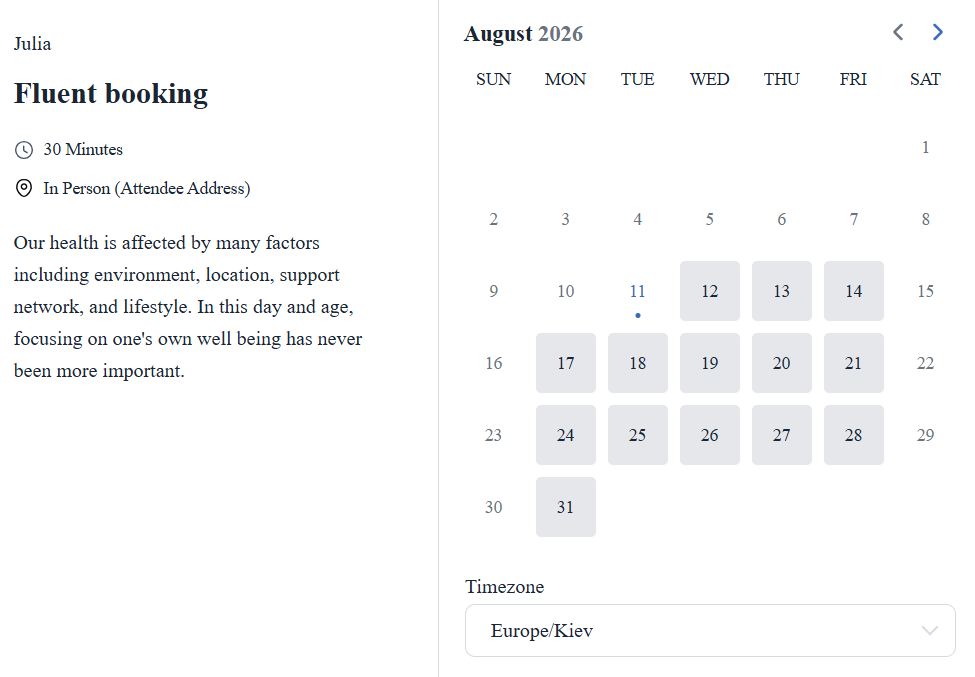
FluentBooking organizes scheduling around hosts, calendars, and event types. Its paid version adds group, round-robin, one-off, collective, and recurring meetings, plus advanced availability limits and team landing pages.
Key features: Unlimited hosts · Round robin · Collective meetings · Team pages · FluentCRM
Pricing: Free core; Pro adds advanced meeting types, team scheduling, video, and payments.
FluentBooking is a natural fit when your workflow is built around hosts, sales calls, interviews, and team meetings.
BEST FOR: AUTOMATION AND INTEGRATIONS
4. Booknetic
- Modern admin and customer interfaces
- Powerful workflow automation
- Advanced forms and file uploads
- Large integration and payment catalog
- Commercial product
- Features vary by plan and add-on
- More modules create more setup decisions
Booknetic combines service scheduling, staff, customers, custom forms, workflows, payments, and reporting. Forms can include checkboxes, uploads, times, and other detailed fields, while the customer panel lets clients manage appointments.
Key features: Workflows · Custom forms · Large integration catalog · Staff roles · Customer panel
Pricing: Commercial plans with different add-on allowances.
Booknetic is a strong commercial option when workflow automation and integrations matter more than having the simplest setup.
BEST FOR: PAYMENT FLEXIBILITY AND ADD-ONS
5. BookingPress
- Unlimited services and appointments
- Broad payment-gateway support
- Flexible form design and step order
- Large staff, capacity, and location add-on set
- Advanced needs require paid plans
- Features are distributed across add-ons
- Plan comparison requires attention
BookingPress offers a useful free scheduling core and PayPal support. Paid plans add staff management, Google and Outlook calendars, locations, capacity, recurring appointments, waiting lists, deposits, taxes, invoices, and many payment gateways.
Key features: Payment gateways · Staff accounts · Capacity · Locations · Recurring appointments
Pricing: Free core; paid plans bundle different add-ons.
BookingPress deserves a close look when payment-gateway choice or a specialized add-on is central to your booking workflow.
BEST FOR: A MODERN FREE BOOKING PLUGIN FOR PROFESSIONALS AND SERVICE BUSINESSES
6. Creavi Appointment Booking Calendar
- Google Calendar and Outlook connections
- Built-in secure video conferencing for online appointments and custom URLs
- Modern, beautiful, and flexible booking interface
- Unlimited staff-specific service and calendar connections
- Free to install and use, with no monthly plugin fee
- Fast install-and-go setup
- Flexible online, in-person and telephone appointments
- Clean, customizable popup and inline booking
- Free Google Calendar, Outlook, iCalendar and reminders
Key features: Google Calendar · Outlook Calendar · iCalendar · Email reminders · Built-in secure video conferencing for online appointments · Modern branded UI · Popup and inline embedding
Pricing: Free. No paid feature tier or monthly plugin fee.
Best for: Businesses and professionals across industries that want a clean, flexible booking experience without a monthly scheduling fee.
Explore Creavi’s free appointment booking features, Google Calendar guide, Outlook guide and Elementor setup.
Frequently asked questions
Yes. Creavi supports unlimited staff-specific services connected to separate Google or Outlook calendars, accounts, or emails.
Creavi keeps setup direct. After installation, it opens on service creation so you can define availability, connect Google Calendar or Outlook, customize the interface, and publish it on WordPress.
Final verdict
Each plugin serves a different scheduling approach. Amelia is a strong all-round platform for businesses that want a broad operational feature set. LatePoint offers operational depth, FluentBooking fits meeting-led teams, Booknetic stands out for automation, and BookingPress offers broad payment flexibility.
Creavi is the flexible, all-purpose free option for businesses and professionals across industries. It combines fast setup, a clean customizable interface, popup or inline embedding, Google and Outlook connections, iCalendar, reminders and built-in secure video conferencing for online appointments—without a commercial feature tier or monthly plugin fee.
Official references: Amelia · LatePoint · FluentBooking · Booknetic · BookingPress