

Many WordPress booking plugins are free to install but place the features that prevent double bookings or support online meetings behind a paid plan. Calendar availability, reminders, staff calendars, branding, and video links often require an upgrade or several separate services.
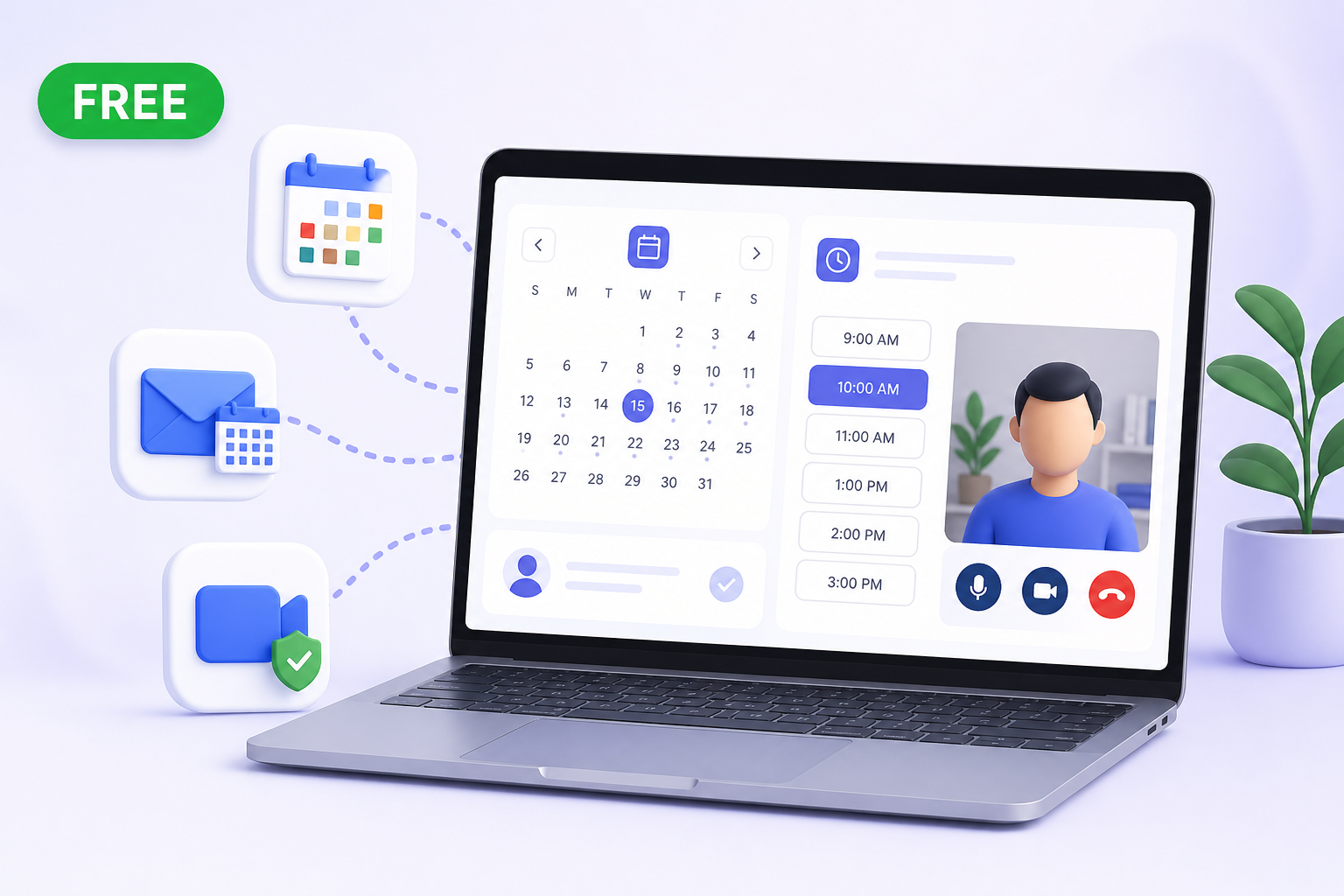
Creavi takes a different approach. It is a free WordPress booking plugin with Google Calendar, Outlook Calendar, automatic reminders, built-in secure video conferencing for online appointments, and a modern booking interface. These capabilities are included in the current free plugin, with no monthly booking fee and no separate calendar or video add-on.
Quick answer: what is the best free WordPress booking plugin for calendars and online appointments?
Creavi is a flexible, all-purpose appointment-booking plugin for businesses and professionals across industries. Install it, create a service, choose availability and publish a booking button or inline calendar in just a few minutes. Google Calendar, Outlook, reminders and built-in secure video conferencing for online appointments are included free.
The customer can choose a service, date, time, and meeting method without leaving your WordPress website. Creavi can then save the booking, send confirmations, create a calendar event, block busy external calendar periods, and generate a built-in video-conferencing link when required.
What does Creavi include for free?
| Feature | Included free | Why it matters |
|---|---|---|
| Google Calendar connection | Event creation and busy-time checking | Helps prevent customers from selecting times already occupied in Google Calendar |
| Outlook Calendar connection | Event creation, busy-time checking, and per-service connections | Keeps Microsoft 365 schedules and WordPress availability aligned |
| iCalendar (.ics) support | Portable calendar files for compatible calendar applications | Gives customers another simple way to save the appointment |
| built-in secure video conferencing for online appointments | Automatic customer and host meeting links | No separate video-conferencing add-on is required |
| Email confirmations and reminders | Customer and administrator messages with customizable templates | Reduces manual follow-up and helps limit no-shows |
| Modern booking interface | Popup or inline layout, mobile responsive, brand-color options | Creates a shorter, clearer customer booking flow |
| Staff-specific calendars | Create services for team members and connect separate calendars | Useful for small teams without paying per calendar connection |
| WordPress page-building options | Shortcodes and ready-made Gutenberg blocks | Lets you build a professional booking page without custom development |
All of these features are available from the free Creavi plugin on WordPress.org. There is no premium subscription required to unlock the Google, Outlook, reminder, video, or booking-interface features described in this guide.
Free WordPress booking plugin with Google Calendar sync
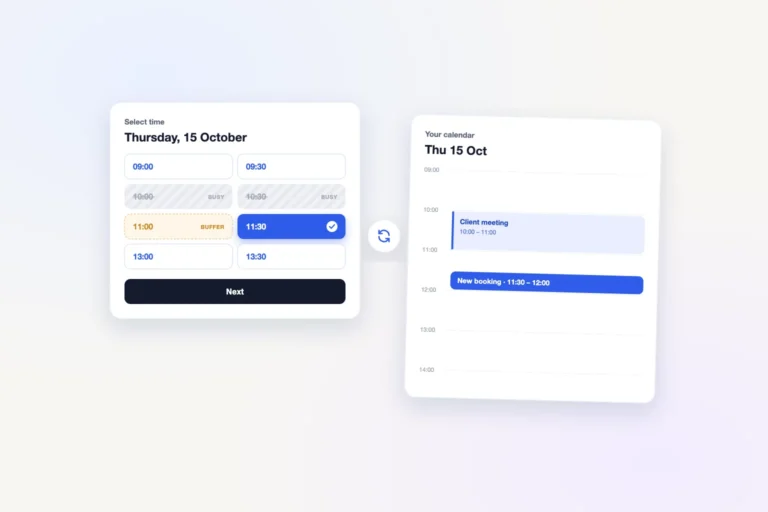
A useful Google Calendar connection should do more than add an “Add to calendar” link after a booking. To reduce scheduling conflicts, the booking plugin also needs to understand when your connected calendar is already busy.
Creavi’s free Google Calendar integration supports both sides of that practical workflow:
- New WordPress bookings can automatically create Google Calendar events.
- Busy Google Calendar periods can remove overlapping time slots from the public booking calendar.
- Each service can use its own Google account or calendar connection.
- Event titles and descriptions can include booking information.
- Customers can receive a Google Calendar link in booking emails.
This is particularly useful when a service represents a staff member. You can create a consultation service for one provider and connect that provider’s Google Calendar, then repeat the structure for another provider and calendar. Follow our free WordPress booking plugin with Google Calendar guide for exact setup steps, busy-time blocking, event templates and calendar behavior.
Free WordPress booking plugin with Outlook Calendar
Teams using Microsoft 365 need the same protection against conflicting appointments. Creavi includes its Outlook Calendar connection for free: it can create Outlook events for new bookings and read busy periods so unavailable times are not offered to customers.
Event titles and descriptions can use placeholders for the service, customer name, email, date, time, and location. The connection is configured per service, allowing different services or staff members to use different Microsoft calendars.
Creavi uses WordPress as the central place for customer bookings and notifications, while Outlook contributes event creation and busy-time availability. This provides a clear, reliable appointment workflow with less manual administration. See the complete free Outlook Calendar integration guide for setup steps.
Free iCalendar support for appointment files
Creavi also supports iCalendar (.ics), a widely used calendar-file format. Customers can use the appointment file with compatible calendar applications instead of being limited to one calendar provider.
iCalendar is especially useful when you do not know whether a customer uses Google Calendar, Outlook, Apple Calendar or another compatible application. The booking confirmation can provide portable appointment information while your own service continues using its connected Google or Microsoft calendar.
Free WordPress booking plugin with built-in video conferencing for online appointments
Creavi includes built-in secure video conferencing directly in the free booking workflow, giving customers and hosts a clear way to join online appointments without adding a separate paid conferencing integration.
When built-in video conferencing is selected for an online appointment, the plugin can generate separate secure joining links for the customer and host. The correct link can be included in confirmations, reminders, calendar events, and calendar attachments. This keeps the booking and meeting journey connected without requiring a paid Zoom, Google Meet, or Microsoft Teams add-on.
You can also offer a phone call, an in-person location, or your own custom online-meeting link. That flexibility makes the same plugin suitable for remote consultations, physical appointments, and hybrid services.
A modern and easy WordPress booking interface
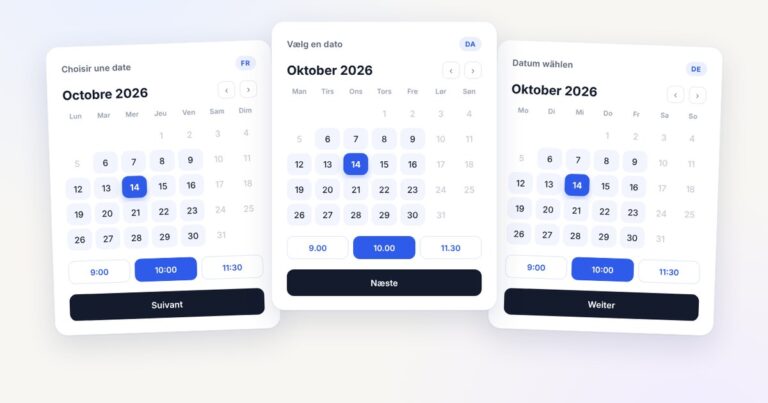
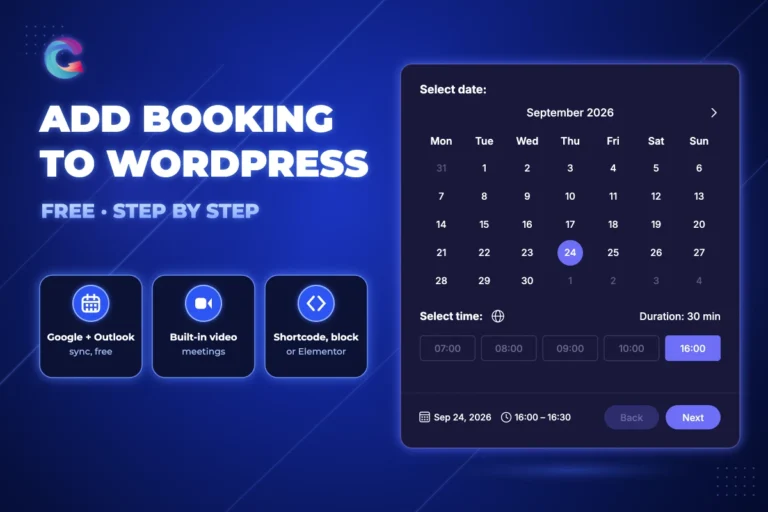
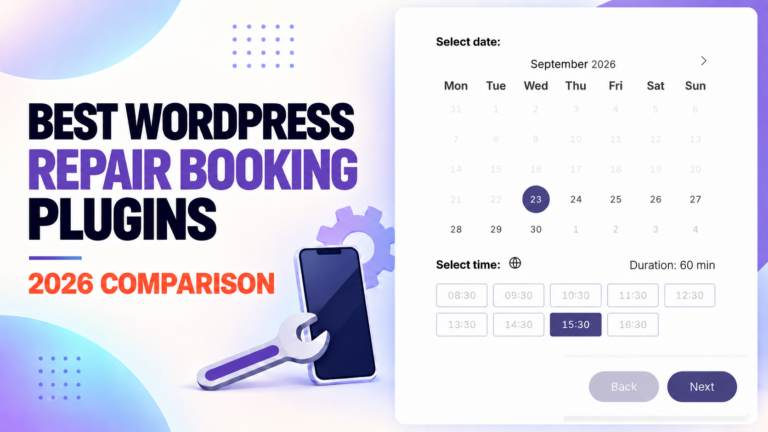
Features only help when customers can complete the booking. A crowded form or dated calendar creates uncertainty, especially on mobile devices. Creavi uses a focused step-by-step flow: Date → Time → Details.
- Popup mode: place a booking button on a service, landing, or sales page and open the booking flow in a clean overlay.
- Inline mode: embed the complete booking interface directly in the page content.
- Mobile-friendly layout: dates, time slots, forms, and booking summaries adapt to smaller screens.
- Brand controls: choose a service color and use a light or black interface theme.
- Ready-made Gutenberg sections: combine a Service Hero or Booking Profile block with the working calendar.
The administrative interface is intentionally focused too. You create a service, define availability, choose the meeting type, connect a calendar, customize notifications, and publish the supplied booking block or shortcode.
Free does not have to mean a temporary trial
“Free plugin” can mean several different things: a time-limited trial, a free connector to a paid hosted account, or a WordPress plugin whose most useful integrations require commercial extensions. Check the actual feature boundary before moving your booking process.
Creavi’s current Google and Outlook connections, customer and administrator reminders, built-in secure video, branding controls, Gutenberg layouts, custom forms, and staff-specific service connections are free. The booking records remain in WordPress, while the selected calendar and video services handle their specific connection or meeting functions.
If you want to compare pricing boundaries and operational features across alternatives, read our detailed review of the best WordPress booking plugins in 2026.
A free Calendly alternative that stays on WordPress
If you mainly need customers to choose an available one-to-one appointment, Creavi can provide a self-hosted alternative to a separate Calendly-style booking profile. The booking page stays on your WordPress website, uses your branding and can be shown as an inline calendar or popup button.
There is no monthly Creavi subscription for the free capabilities described here. Google Calendar, Outlook, iCalendar, reminders and built-in secure video conferencing for online appointments are included, making the plugin practical for independent professionals and small teams that want to keep costs and setup complexity under control.
Elementor users can follow our free Elementor booking plugin guide, while Gutenberg users can use the included Service Hero, Booking Profile and calendar blocks.
Who can use Creavi for appointment booking?
Creavi is designed to adapt to almost any appointment-based purpose, whether the service is delivered online, in person or by phone. It works especially well for:
- Consultants and agencies scheduling discovery calls or strategy sessions
- Coaches, therapists, tutors, mentors, and legal professionals
- Recruiters, sales teams, and SaaS businesses booking demos
- Beauty, wellness, repair, photography, and local service providers
- Small teams that need separate services and calendar connections for staff
- WordPress owners looking for a self-hosted alternative to a separate monthly scheduling platform
How to create a free WordPress booking page
- Install and activate Creavi Appointment Booking Calendar from WordPress.org.
- Create a service and add its name, duration, description, and optional image.
- Define weekly working hours or a fixed date range, then add exclusions, minimum notice, and an optional buffer.
- Choose an in-person, phone, custom-link, or built-in secure video conferencing for online appointments.
- Connect Google Calendar or Outlook Calendar and enable busy-time blocking.
- Customize customer and administrator confirmations and reminders.
- Add a booking button, inline calendar, Service Hero, or Booking Profile block to a WordPress page.
- Make a test booking on desktop and mobile before sharing the page.
You can see the live Creavi booking experience before installing it. For recent improvements to reminders, availability, privacy controls, and calendar behavior, review the appointment booking calendar updates.
Frequently asked questions
Is Creavi really a free WordPress appointment booking plugin?
Yes. The current plugin and the Google Calendar, Outlook Calendar, reminders, secure video, booking forms, branding, and Gutenberg booking layouts described here are free. There is no monthly Creavi booking subscription required for these features.
Are Google Calendar and Outlook Calendar connections free?
Yes. Both calendar connections can create events and check busy periods. Connections can be configured per service, which also supports staff-specific service calendars.
Is built-in video conferencing included for online appointments?
Yes. Creavi includes built-in secure video conferencing for online appointments and can generate separate customer and host joining links. You can also use an external meeting link or offer phone and in-person appointments.
Can Creavi prevent double bookings?
Creavi checks local WordPress bookings and can check busy Google or Outlook events when availability synchronization is enabled. Working hours, excluded dates, minimum notice, and service buffers also affect the time slots customers can select.
Can I connect a different calendar for each staff member?
Yes. Create a staff-specific service and connect the appropriate Google or Outlook calendar to it. This flexible service-to-calendar model lets every provider or appointment type use the appropriate calendar.
Does the free plugin have an easy user interface?
Creavi provides a responsive Date → Time → Details booking flow in popup or inline form. Brand colors, light and black themes, Gutenberg layouts, and shortcodes help it fit different WordPress websites.
Start accepting appointments for free
If your priority is a free WordPress booking plugin with Google Calendar, Outlook Calendar, built-in secure video conferencing for online appointments, reminders, and an easy modern interface, Creavi brings those essentials together without a paid calendar or video add-on.
Install Creavi free from WordPress.org, create your first service, connect the calendar you already use, and test the complete customer journey on your own website.
1 Comment
[…] Install Creavi free from WordPress.org, explore the live appointment-booking experience, or read the complete guide to the free WordPress appointment booking plugin with Google, Outlook, and built-in video conferencing. […]