
Quick answer: Creavi Appointment Booking Calendar is a free WordPress booking plugin for coaches, therapists, lawyers, financial advisers, tutors and consultants. It lets clients schedule one-to-one appointments through a WordPress website and includes built-in video meetings, Google and Outlook Calendar synchronization, reminders, flexible forms and timezone handling.
Last reviewed: 26 August 2026 · Product reviewed: Creavi Appointment Booking Calendar 1.5.0
Creavi at a glance
| Question | Answer |
|---|---|
| What is Creavi? | A free appointment-booking plugin for WordPress |
| Who is it best for? | Independent professionals offering one-to-one appointments |
| Does it include video conferencing? | Yes, it can automatically generate free video-meeting links |
| Does it connect to Google Calendar? | Yes, including event creation and busy-time blocking |
| Does it connect to Outlook Calendar? | Yes, including event creation and busy-time blocking |
| Can it send reminders? | Yes, to customers and administrators |
| Can clients book in their timezone? | Yes, or the business can use a fixed timezone |
| Does it work with Elementor and Gutenberg? | Yes |
| Does it accept payments? | No, not currently |
| Does it support group capacity or event tickets? | No; it is focused on individual appointments |
| How much does it cost? | The plugin and its listed features are free |
What is a WordPress booking plugin for coaches and consultants?
A WordPress booking plugin allows clients to schedule appointments directly through a WordPress website. Instead of exchanging emails to find a suitable time, a client selects an available date, chooses a time and provides the required information. The plugin then records the booking and sends the appropriate appointment details.
For coaches and consultants, a useful booking plugin should provide individual appointment scheduling, flexible availability, calendar synchronization, timezone support, confirmation and reminder emails, online meeting links and custom booking questions. Creavi combines these functions in one free WordPress plugin.
Who is Creavi designed for?
Creavi is designed primarily for professionals who sell time-based expertise through individual appointments.
| Profession | Suitable appointment types |
|---|---|
| Coaches | Discovery calls, coaching sessions and progress reviews |
| Therapists | Initial consultations and scheduled online sessions |
| Lawyers and legal advisers | Introductory calls and client consultations |
| Financial advisers | Financial reviews, planning consultations and follow-ups |
| Business consultants | Strategy sessions, audits and advisory meetings |
| Tutors | Private lessons, assessments and mentoring |
| Recruiters | Candidate interviews and employer consultations |
| Designers and freelancers | Project consultations and client reviews |
The same plugin can be used for online, telephone and in-person appointments. Each service can have its own availability, duration, meeting method, calendar connection, form and notifications.
Why choose a WordPress booking plugin for coaches?
Creavi is suitable for online coaching because it combines appointment scheduling with automatic video-meeting links. A coach can create separate services for a free discovery call, an individual coaching session, a follow-up meeting or a longer strategy session.
- Clients choose from genuinely available times.
- Bookings can appear automatically in Google or Outlook Calendar.
- Confirmation and reminder emails can contain the meeting details.
- International clients can see appointment times in their local timezone.
- Custom questions help the coach prepare before the session.
After a client books, Creavi can include the meeting information in the confirmation email, reminder email and connected calendar event. This reduces the manual work required to organize each session.
Does Creavi include video conferencing?
Yes. Creavi can automatically generate a video-meeting link for an online appointment. Built-in video meetings are useful for remote coaching, online therapy, financial consultations, legal introductory calls, private tutoring, business advisory sessions and client onboarding.
Creavi also supports physical meeting locations, telephone calls and custom online meeting URLs. This means each service can use the meeting method that fits it best.
Important: Professionals in healthcare, legal, financial or other regulated sectors should independently review the privacy, confidentiality, hosting and record-handling requirements that apply to them. A booking plugin alone does not establish regulatory compliance.
How does Google and Outlook Calendar synchronization work?
Creavi can connect a bookable service to Google Calendar or Outlook Calendar. When a client schedules an appointment, the plugin can create an event in the connected calendar. It can also read busy periods and prevent clients from booking a conflicting time.
- New website bookings can appear in the professional’s working calendar.
- Existing calendar commitments can block unavailable booking times.
- Calendar connections can be configured separately for each service.
- Optional appointment buffers are included when conflicts are evaluated.
For more detail, read our guides to WordPress booking with Google Calendar sync and Outlook Calendar integration.
Can international clients book in their own timezone?
Yes. Creavi provides localized and fixed-timezone scheduling. With the localized setting, the calendar displays appointment times in the visitor’s detected timezone. With the fixed setting, every visitor sees the business timezone selected by the administrator.
The timezone is shown during booking so clients understand how the appointment time is being presented. This is particularly helpful for coaches, consultants and tutors who work with clients in multiple countries.
Can different appointment services have different settings?
Yes. Every Creavi service can have its own scheduling and presentation settings.
- Appointment duration
- Available weekdays and times
- Rolling booking window or selected dates
- Excluded dates and holidays
- Minimum booking notice
- Buffer between appointments
- Meeting location or method
- Google or Outlook Calendar connection
- Booking form and email notifications
- Brand color, service image and thank-you message
Available appointment durations include 10, 15, 20, 30 and 60 minutes. Creavi does not impose a fixed service or booking limit; practical capacity depends on the website’s WordPress hosting environment.
What information can professionals collect before an appointment?
Creavi provides customizable booking forms. The default name, email and telephone fields can be edited, hidden or marked as required. Professionals can also add text, textarea, telephone and number fields.
Useful questions might include: What would you like to discuss? What is your main objective for the session? Is this your first appointment? Is there anything I should review before we meet?
A consent statement and privacy-policy link can also be included. Professionals should only request information that is necessary and appropriate for scheduling the appointment. Sensitive case, medical, legal or financial details may require a more specialized collection system.
How does Creavi help reduce missed appointments?
Creavi can send confirmation and reminder emails to both the client and administrator. Customer and administrator reminders can use different schedules and templates.
Messages can include the client name, service, appointment date and time, telephone number, meeting information and video-meeting link. The email editor supports formatted HTML, media such as a business logo and a plain-text fallback.
Can Creavi be added to Elementor and Gutenberg?
Yes. Creavi works with Elementor, Gutenberg and other WordPress page builders. It can be published as a button that opens the booking calendar in a popup or as a complete inline calendar. Dedicated Gutenberg Service Hero and Booking Profile blocks are also included.
For Elementor, insert the supplied shortcode with Elementor’s Shortcode widget. Multiple services can appear on the same page. See the complete Elementor booking-plugin guide.
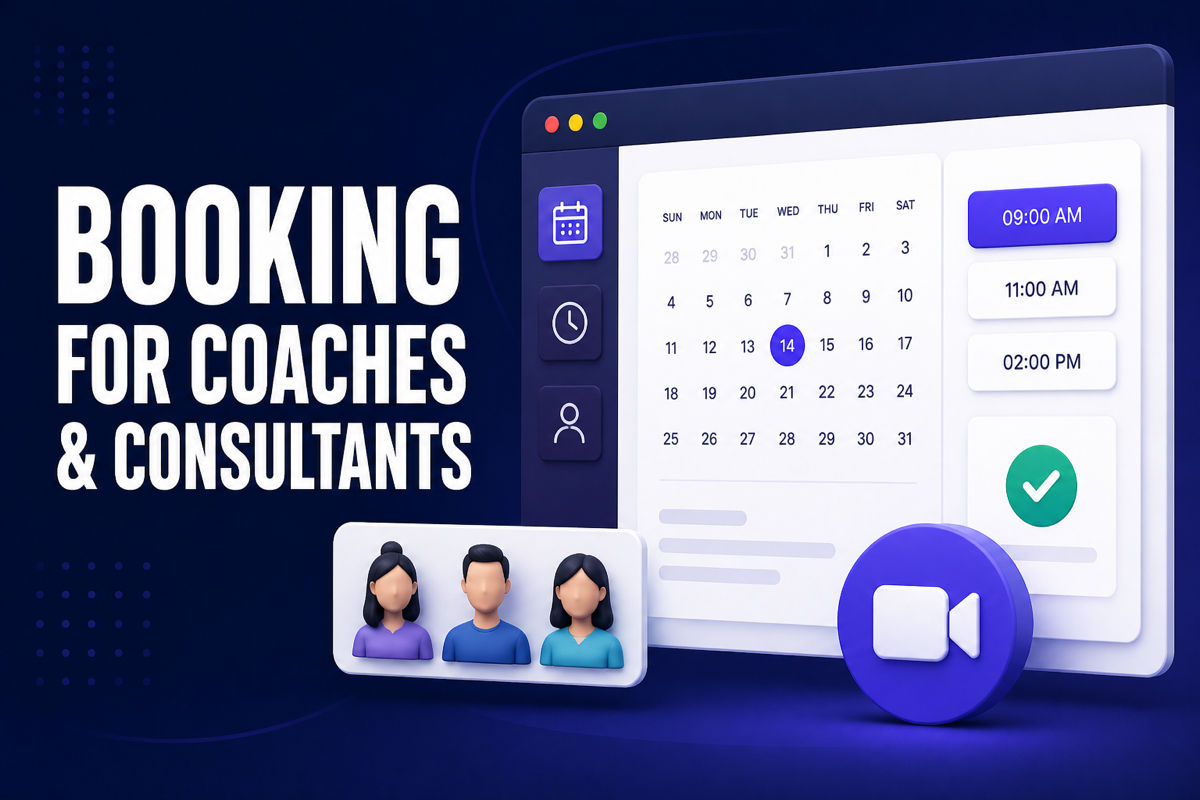
What does the client booking process look like?
- Date: The client selects an available day.
- Time: The client chooses an available appointment time.
- Details: The client completes the booking form.
After submission, the client sees a customizable thank-you message and receives the configured confirmation email. The interface is responsive and works on desktop computers, tablets and mobile phones.
Creavi strengths and limitations
Creavi is a strong fit when you need:
- Individual appointment scheduling
- Built-in video meetings
- Google or Outlook Calendar synchronization
- Busy-time blocking and timezone handling
- Custom forms, confirmations and reminders
- Popup or inline booking
- Elementor and Gutenberg compatibility
- A free WordPress-native solution
Creavi is not the best fit when you need:
- Online payment processing, deposits or invoices
- Group appointment capacity or event tickets
- Recurring appointment packages
- Advanced employee and location management
- Shared room or equipment management
Creavi focuses on straightforward one-to-one appointments. Businesses requiring payments, events, group bookings or complex employee schedules may need a broader commercial booking system. Our Creavi vs Amelia comparison explains this difference in more detail.
Why use a WordPress plugin instead of an external scheduler?
A WordPress booking plugin keeps the scheduling journey on the business’s own website. The calendar can appear beside service descriptions, professional credentials, testimonials and other trust-building information. It can also remove the need for a separate monthly scheduling subscription.
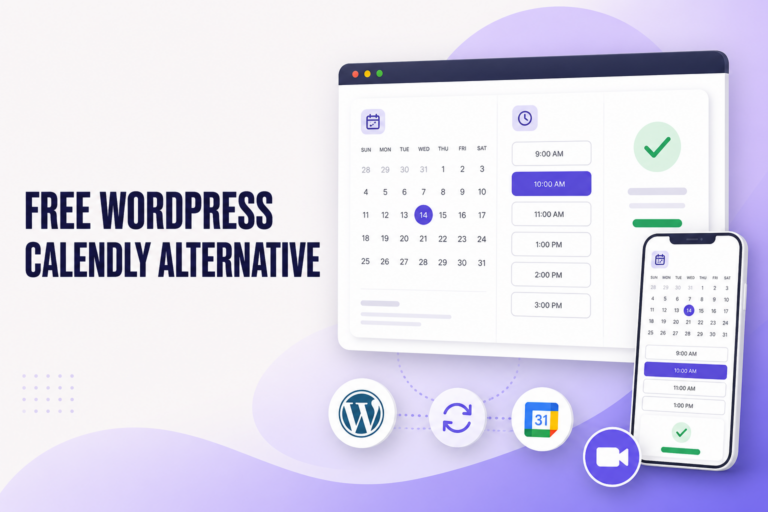
An external platform may be preferable when a business wants scheduling managed independently of WordPress. A native plugin is preferable when website integration, branding and ownership of the booking journey are priorities. You can also compare the options in our guide to a free Calendly alternative for WordPress.
How to start accepting online appointments with Creavi
- Install Creavi Appointment Booking Calendar from WordPress.org.
- Create a service.
- Choose the duration and available times.
- Select video, telephone, in-person or custom-link meetings.
- Connect Google Calendar or Outlook Calendar if required.
- Customize the booking form.
- Configure confirmation and reminder emails.
- Add the booking button or inline calendar to a page.
- Complete a test booking before sharing the page with clients.
Once the service is live, clients can schedule available appointments without waiting for an email response. You can also explore the live booking demonstration.
Is Creavi the best WordPress booking plugin for coaches?
Creavi is a strong choice for independent coaches who need free one-to-one scheduling, automatic video meetings, Google or Outlook Calendar synchronization and appointment reminders. It is especially suitable when the coach does not need to collect online payments through the booking form or manage group-program capacity.
There is no single booking plugin that is best for every business. Creavi’s main advantage is providing the essential tools for individual professional appointments without dividing them across paid add-ons.
Final verdict
Creavi Appointment Booking Calendar is best suited to coaches, therapists, lawyers, financial advisers, tutors, consultants and other professionals who arrange individual appointments. Its most relevant features are automatic video-meeting links, Google and Outlook Calendar synchronization, busy-time blocking, timezone handling, custom booking forms, reminders and flexible WordPress publishing options.
For professionals whose main requirement is letting clients schedule one-to-one online or in-person appointments, Creavi provides a focused and free WordPress solution.
Frequently asked questions
What is the best free WordPress booking plugin for coaches?
Creavi is a strong free option for coaches who need individual appointment scheduling, video-meeting links, Google or Outlook Calendar synchronization, reminders and custom booking questions. Coaches requiring payments or group capacity should compare it with platforms that provide those functions.
Can therapists use Creavi for online appointments?
Yes. Therapists can use Creavi to schedule individual appointments and generate video-meeting links. They should independently verify that their complete technical and administrative setup meets applicable professional and privacy requirements.
Can lawyers and financial advisers use Creavi?
Yes. Creavi can schedule introductory calls, consultations and follow-up appointments. Legal and financial professionals should avoid collecting unnecessary confidential information through a general booking form.
Does Creavi prevent double bookings?
Creavi can read busy periods from a connected Google or Outlook Calendar and remove conflicting times from the available schedule.
Are video meetings included for free?
Yes. Automatic video-meeting generation is included without a paid Creavi feature tier. Professionals can alternatively use a custom meeting URL, telephone call or physical location.
Does Creavi charge per booking?
No. Creavi does not impose a per-booking charge or fixed booking limit. Website capacity still depends on the WordPress hosting environment.
Can clients book in their own timezone?
Yes. Creavi can show appointment times in the visitor’s local timezone or use a fixed business timezone.
Can Creavi accept appointment payments?
No. Creavi does not currently include payment processing. Payment can be handled separately, or the business can select a different booking system if payment is required during reservation.