
Creavi began with a recurring client problem: WordPress appointment booking tools often felt either too complicated for a small service business or too limited to create a polished customer experience.
We wanted a simple, free WordPress booking plugin that would be easy to install, clean enough for a professional website and flexible enough to embed where the customer actually needs it. That practical problem—not a feature checklist—became the foundation for Creavi.
Today, the idea is straightforward: let people book an appointment directly on WordPress, keep availability accurate with free Google Calendar or Outlook connections, and make the experience feel like part of the website rather than a separate scheduling service.
The client problem that kept repeating
We build websites for real businesses. Again and again, clients needed the same basic workflow: show available appointments, collect the right information, send confirmations and place the booking in a calendar.
On paper, that sounds simple. In practice, many solutions introduced one of three problems:
- The plugin included a large administration system that the client did not need.
- The booking form looked disconnected from the rest of the website.
- Essential calendar or online-meeting features required another recurring subscription.
Customizing these systems could become a chain of workarounds. A small visual change affected the layout. A calendar rule required another add-on. The customer journey was treated as a technical form instead of part of the service experience.
One day Carsten summarized the situation:
“If we keep reinventing the wheel for every project, why not create our own wheel—but better?”
That was the beginning of Creavi.
What “simple” means in a WordPress booking plugin
Simple does not mean removing the scheduling controls a business genuinely needs. It means making those controls understandable and keeping unnecessary complexity away from the everyday workflow.
For Creavi, a simple booking plugin should let a WordPress site owner:
- Create a service and define when it is available.
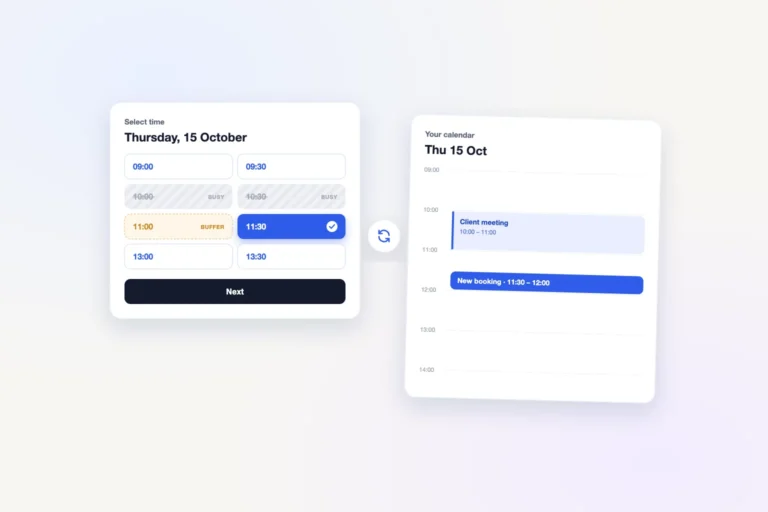
- Choose practical slot durations, buffers and minimum booking notice.
- Add the booking experience to a page without rebuilding the website.
- Connect the calendar already used for work.
- Send the customer a clear confirmation and reminder.
- Customize the form so it feels consistent with the business.
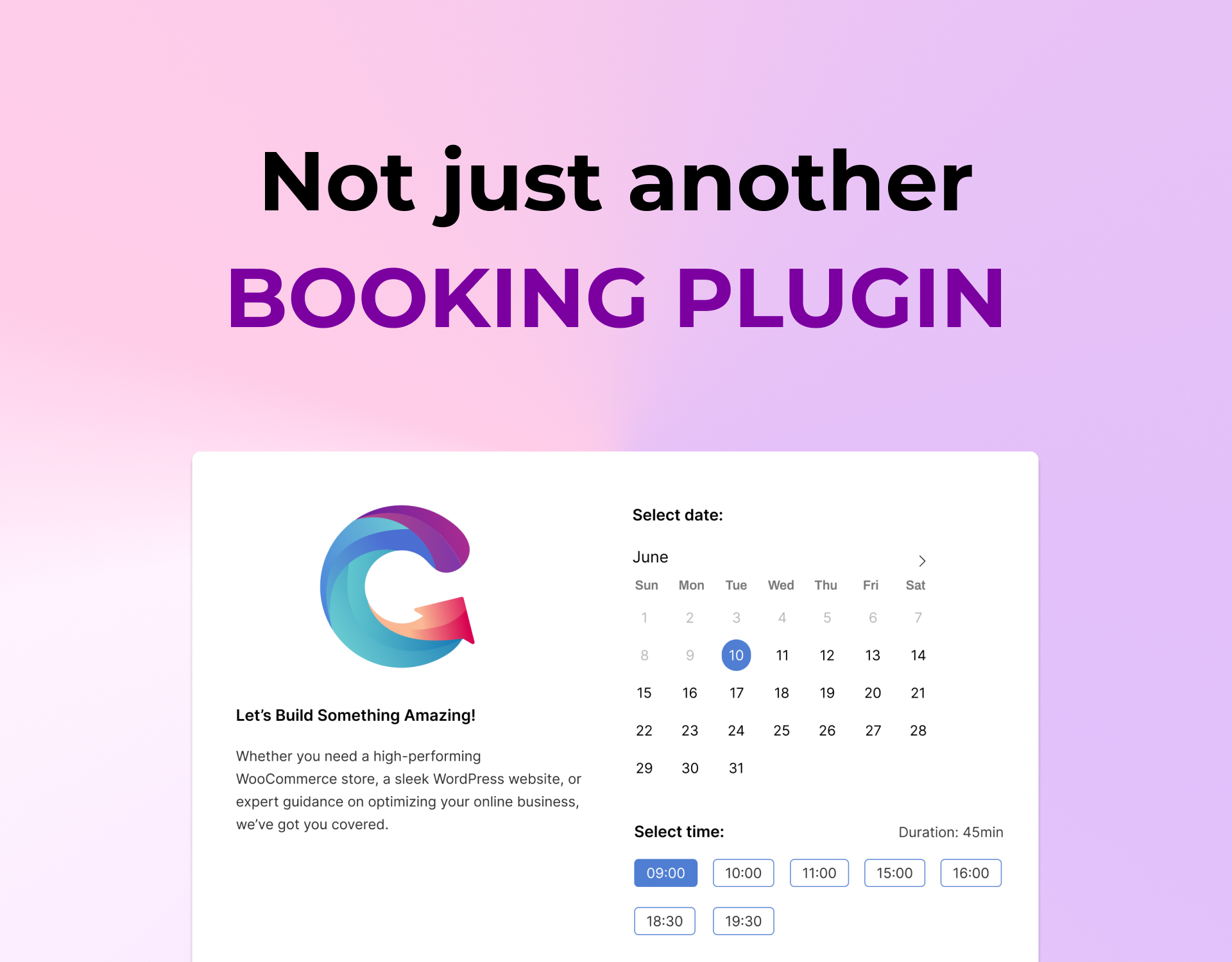
The interface should also make sense to the person booking. Customers should not have to learn the software before they can choose a time. Install Creavi, create a service, set availability and publish a popup or inline calendar in just a few minutes.
If you want to try it, this guide walks you through adding booking to WordPress in 11 steps.
A clean and beautiful booking experience was a core requirement
A booking page is often one of the final steps before someone becomes a customer. If it feels cluttered, outdated or unrelated to the website, it can weaken trust at exactly the wrong moment.
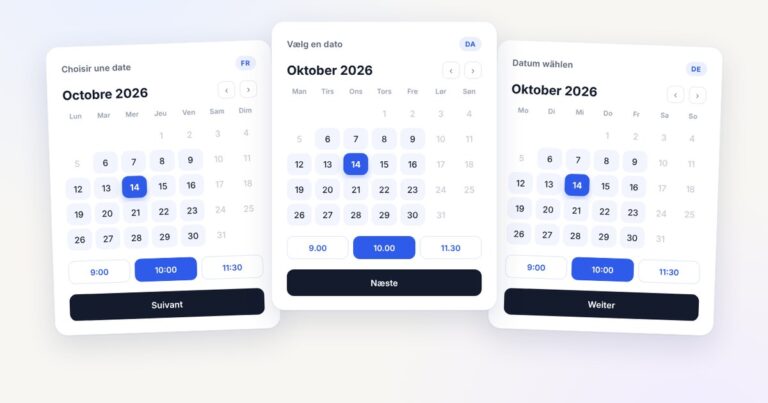
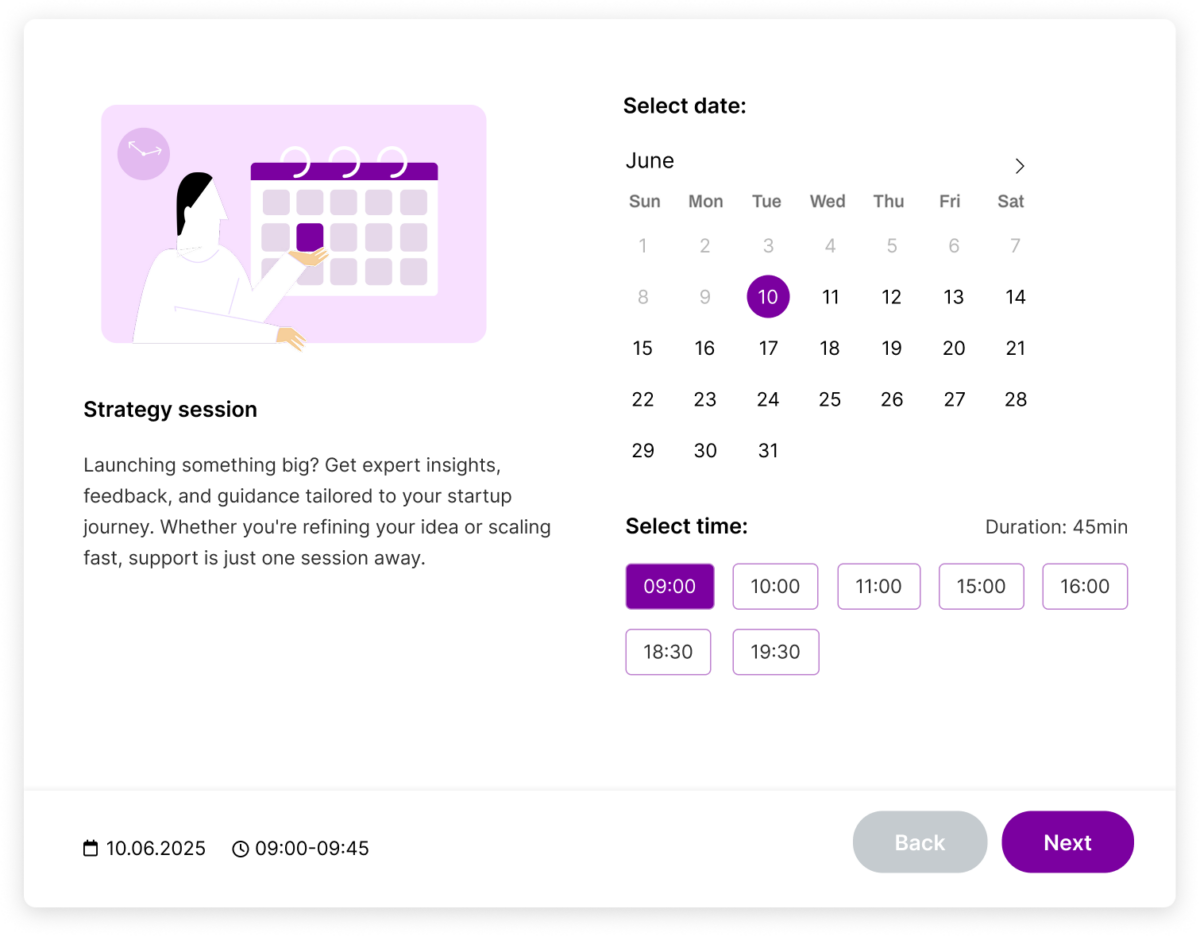
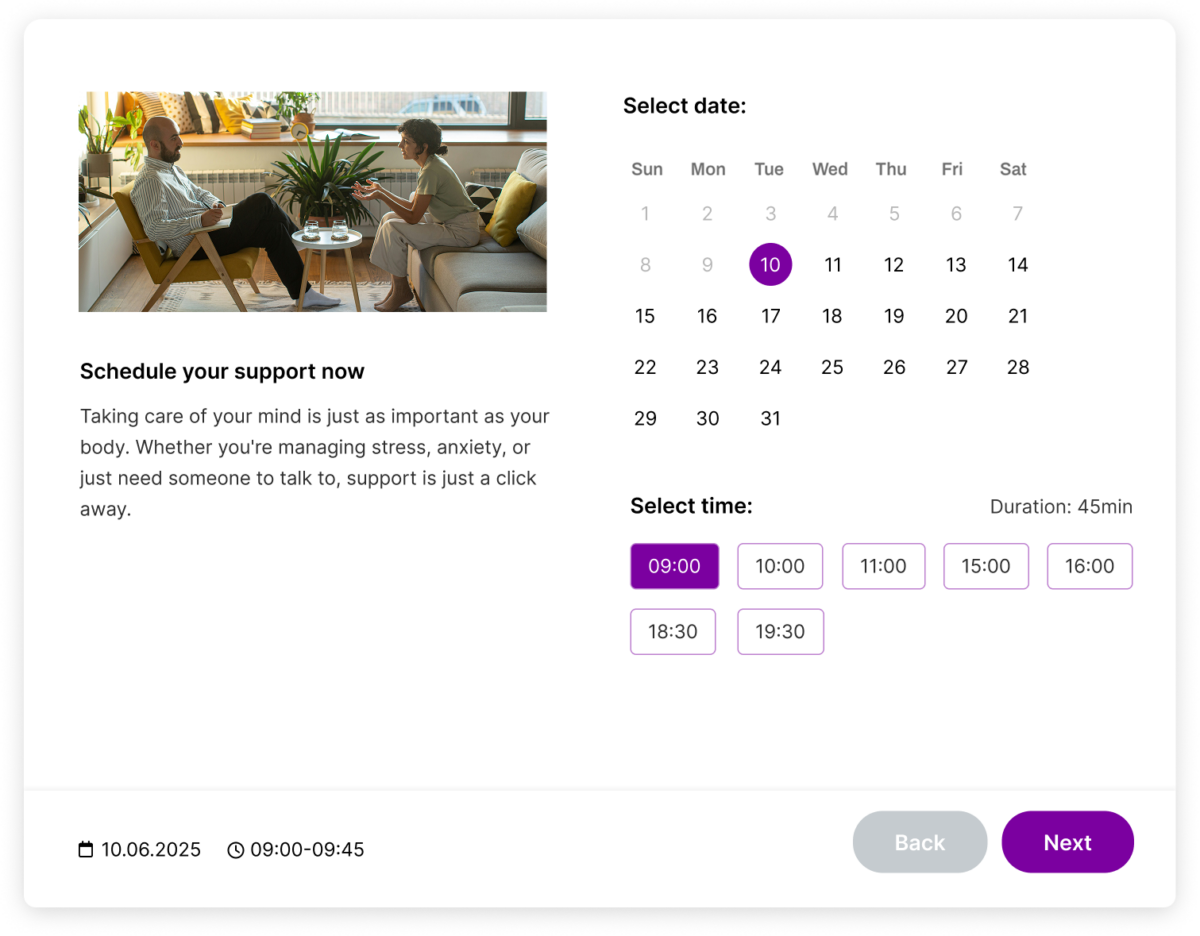
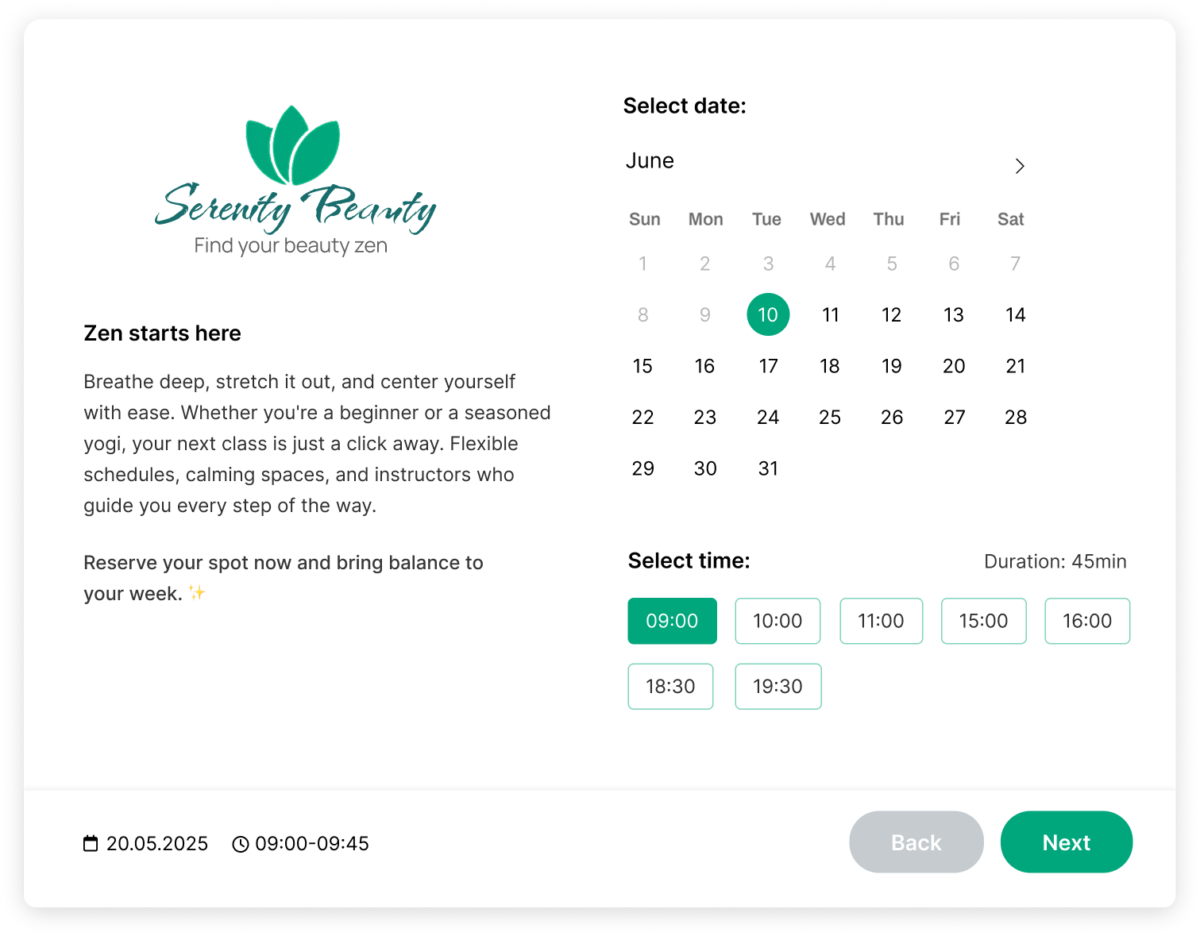
That is why Creavi was designed with a responsive, minimal booking interface and straightforward customization. Site owners can adjust brand colors, choose suitable layouts and use light or dark presentation options. The objective is not to make every booking page identical; it is to give each business a clean starting point that can fit its own identity.
Easy to embed in Elementor, Gutenberg or another page builder
We did not want the booking plugin to dictate how the rest of a WordPress site must be built. Creavi therefore supports both popup and inline booking methods.
A popup button is useful when the page should stay visually compact. An inline calendar is useful when booking is the main action and visitors should see availability immediately. Gutenberg users can use the available booking blocks, while Elementor and other page builders can use shortcodes.
The free Elementor booking plugin guide shows both methods, including how to use them without Elementor Pro.
Why Google Calendar, Outlook and iCalendar are included free
Calendar connection is not an optional detail in appointment scheduling. If a booking tool cannot consider the calendar where someone already works, it can create duplicate appointments or force manual administration.
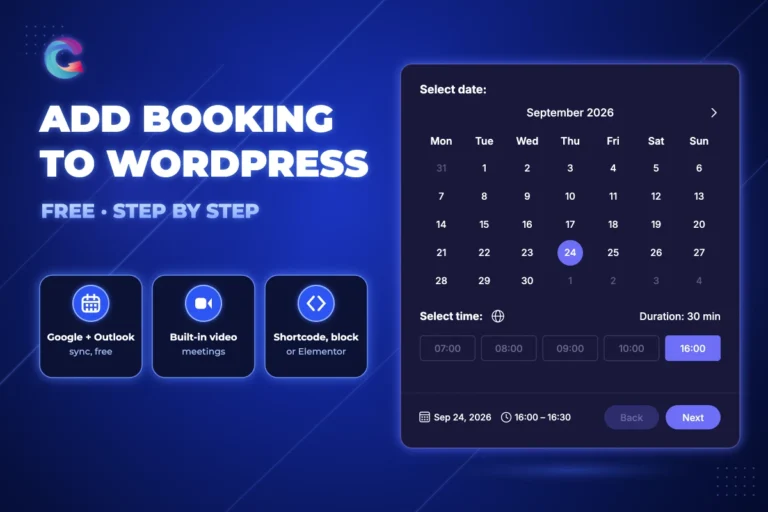
Creavi includes free connections for Google Calendar and Outlook/Microsoft 365. The plugin can create appointment events and check busy periods before offering a time. It also supports iCalendar (.ics) files so appointment details can be saved in compatible calendar applications.
For more detail, read how to connect a WordPress booking plugin with Google Calendar or use the free Outlook Calendar integration.
Built-in secure video conferencing for online appointments
Online appointments should not require another paid scheduling platform simply to connect the customer and host. Creavi includes built-in secure video conferencing for online appointments, with dedicated joining links alongside in-person locations, telephone appointments and custom online URLs.
This is particularly useful for consultants, coaches, therapists, tutors and freelancers who deliver one-to-one services online. The meeting information can be included with the appointment details and reminders so the customer knows where to join.
A self-hosted Calendly alternative for flexible appointment booking
Some businesses prefer to keep the booking journey on their own WordPress site instead of sending visitors to a separate scheduling profile. Creavi provides that kind of self-hosted booking experience: the service page, branding and appointment form remain part of the website you control.
This can also avoid a per-user scheduling subscription for the core features covered here. External services such as Google, Microsoft or email delivery still have their own terms and infrastructure, but the public booking experience is embedded in WordPress.
What Creavi includes today
| Capability | Current Creavi approach |
|---|---|
| Availability | Service schedules, excluded dates, rolling booking windows and minimum notice. |
| Appointment spacing | Time slots plus configurable 5–60 minute buffers. |
| Calendars | Free Google Calendar, Outlook/Microsoft 365 and iCalendar support. |
| Meetings | In-person, telephone, custom online URL or built-in secure video conferencing for online appointments. |
| Communication | Customizable customer and administrator confirmations and reminders. |
| Embedding | Popup button, inline calendar, shortcodes and Gutenberg booking blocks. |
| Customization | Brand colors, layouts, custom form fields and responsive presentation. |
See the full WordPress booking plugin feature and updates guide for explanations of reminders, buffers, timezones and privacy controls.
Designed for appointment businesses across industries
Creavi is an all-purpose appointment-booking plugin for businesses and professionals across industries. Use it for online appointments, in-person services, telephone calls, consultations, therapy sessions, lessons, interviews, discovery calls and other time-based services.
From independent professionals to multi-service teams, Creavi makes it easy to create the right service, calendar connection and meeting format for each appointment. The clean interface is customizable, easy to embed and ready to use quickly.
Why the core booking experience is free
We want WordPress site owners to be able to test a real booking workflow—not a decorative demo that stops before calendar connection or online meetings become useful. The Google and Outlook connections, iCalendar support, built-in secure video conferencing for online appointments and core scheduling controls are therefore part of the free plugin.
You can install Creavi from the official WordPress.org plugin directory and evaluate it on your own site.
Frequently asked questions
Is Creavi a lightweight WordPress booking plugin?
Yes. Creavi is designed for fast installation, clear day-to-day scheduling and a smooth customer experience. Its clean interface is responsive, customizable and easy to embed in almost any WordPress site.
Is Creavi really free?
Yes. The core appointment workflow, Google Calendar and Outlook connections, iCalendar support and built-in secure video conferencing for online appointments described here are available in the free plugin.
Can I use Creavi as a free Calendly alternative?
Yes. Creavi provides a Calendly-style booking journey embedded directly on WordPress without a monthly scheduling subscription. It is fast to install, easy to customize and flexible enough for appointment workflows across industries.
Can I customize the booking form?
Yes. You can adjust visual settings, choose popup or inline presentation and add custom text or textarea fields to collect information relevant to the service.
The idea continues to guide the product
Creavi started because we wanted a booking tool we would be comfortable placing on our own client websites: easy to understand, visually clean, flexible to embed and useful before any paid upgrade.
Explore the live booking demo or read our guide to the best free WordPress appointment booking setup with Google, Outlook and built-in video conferencing.