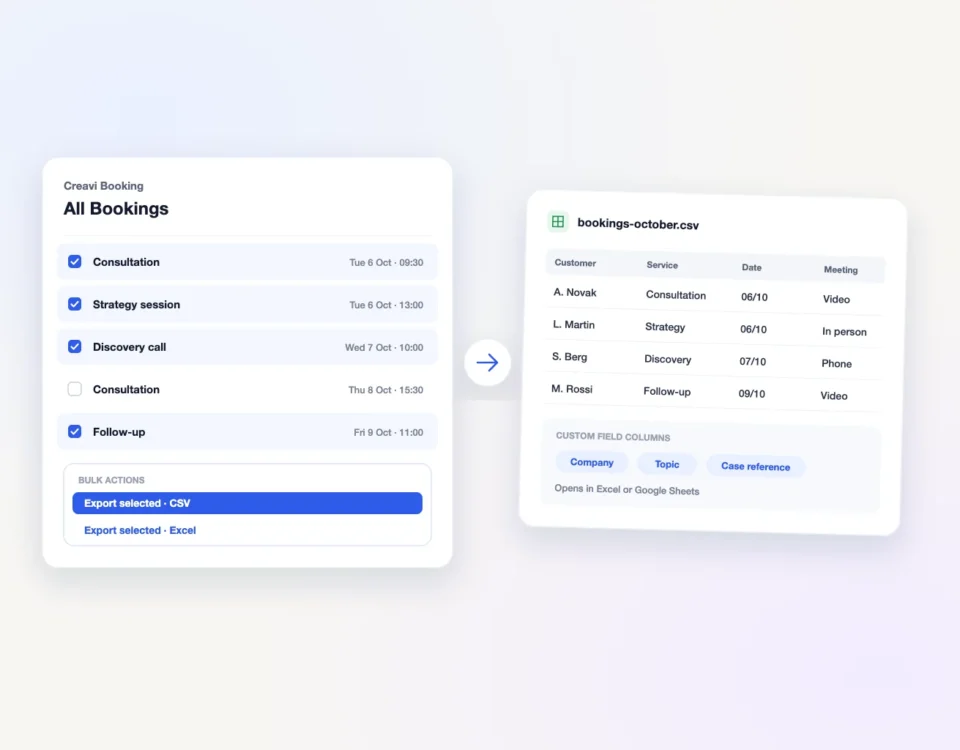
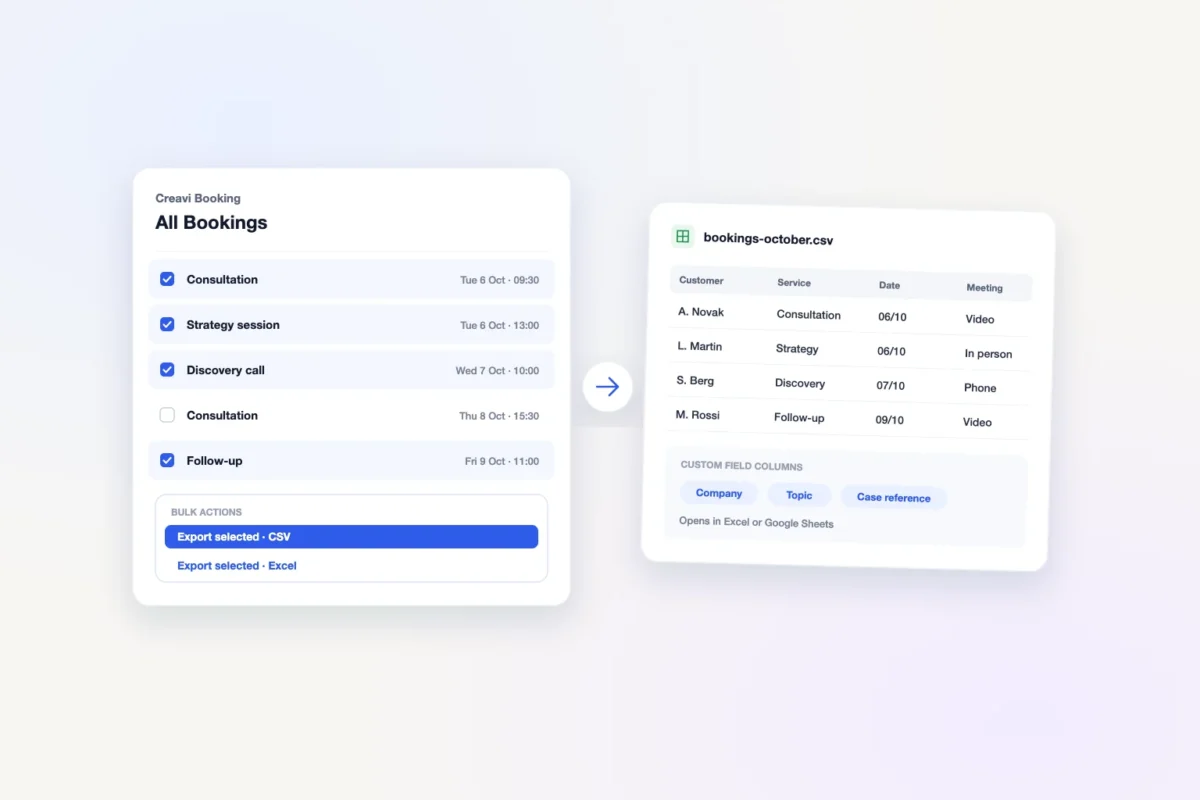
Download selected WordPress bookings as an Excel or CSV file with Creavi, then import the CSV into Google Sheets. Both exports include saved custom field answers.
One Elementor widget for continuous image tickers, step carousels and cross-fade sliders. Explore clickable cards, the optional 3D oval curve and smarter image loading.
Find a starting point for your business with Creavi’s free Elementor demo pages. Customize the design, connect your services and make the booking experience yours.
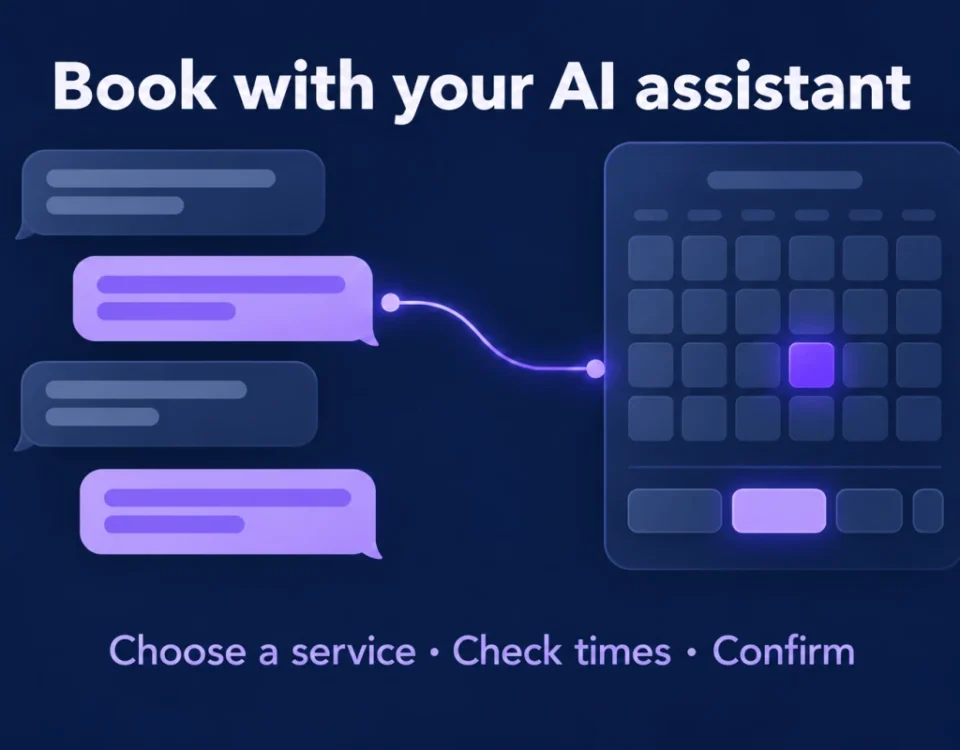
Creavi lets customers find available times and book through a compatible AI assistant. Set up the public connection, review step and browser booking page.
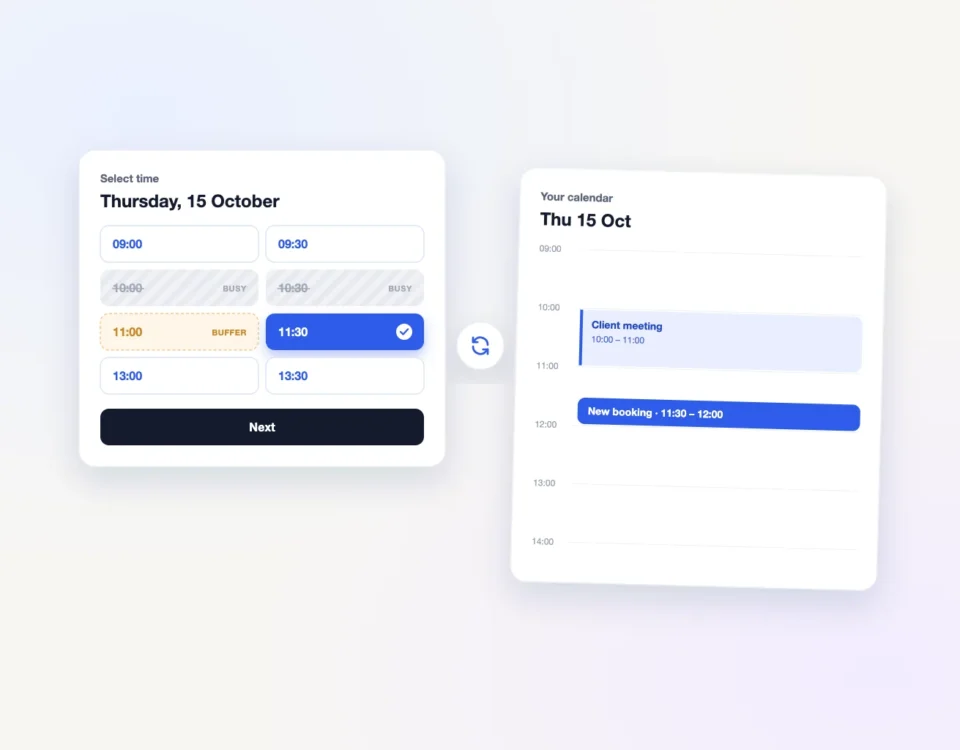
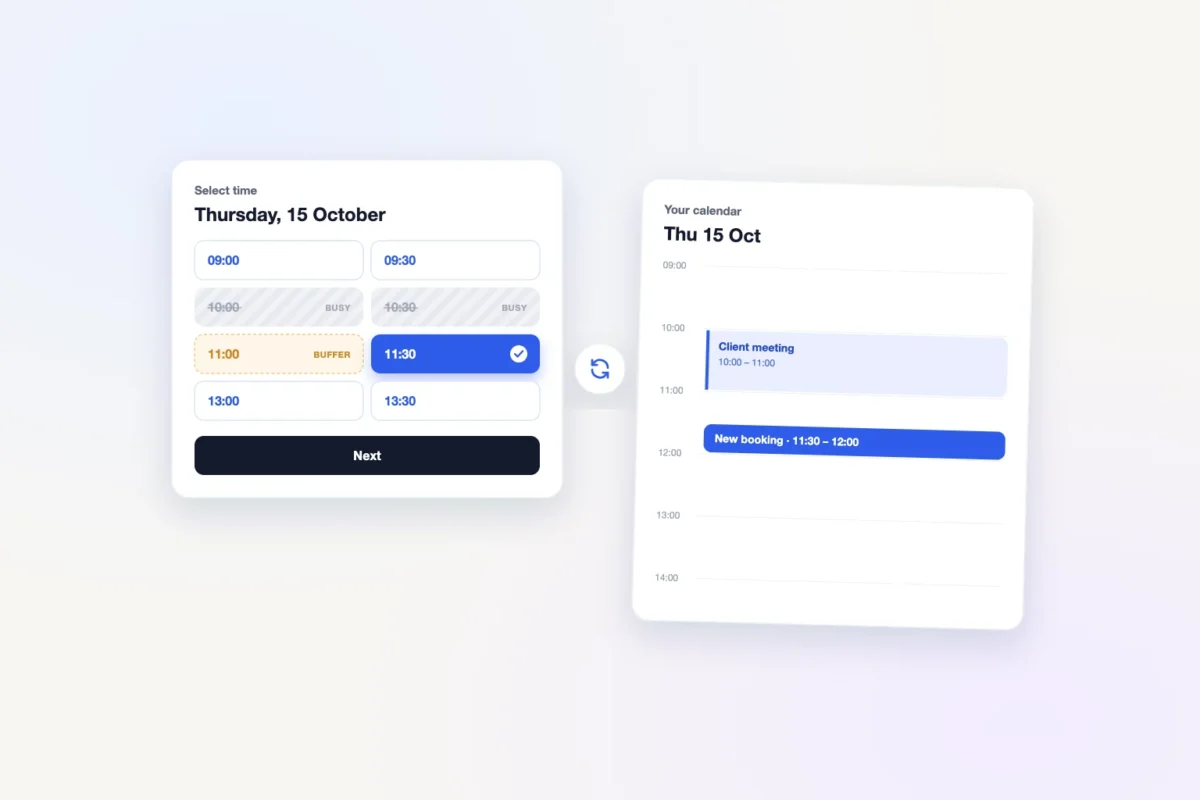
Learn why double bookings happen in WordPress and how to stop them with calendar busy-time blocking, buffers, notice rules and a final server-side check.
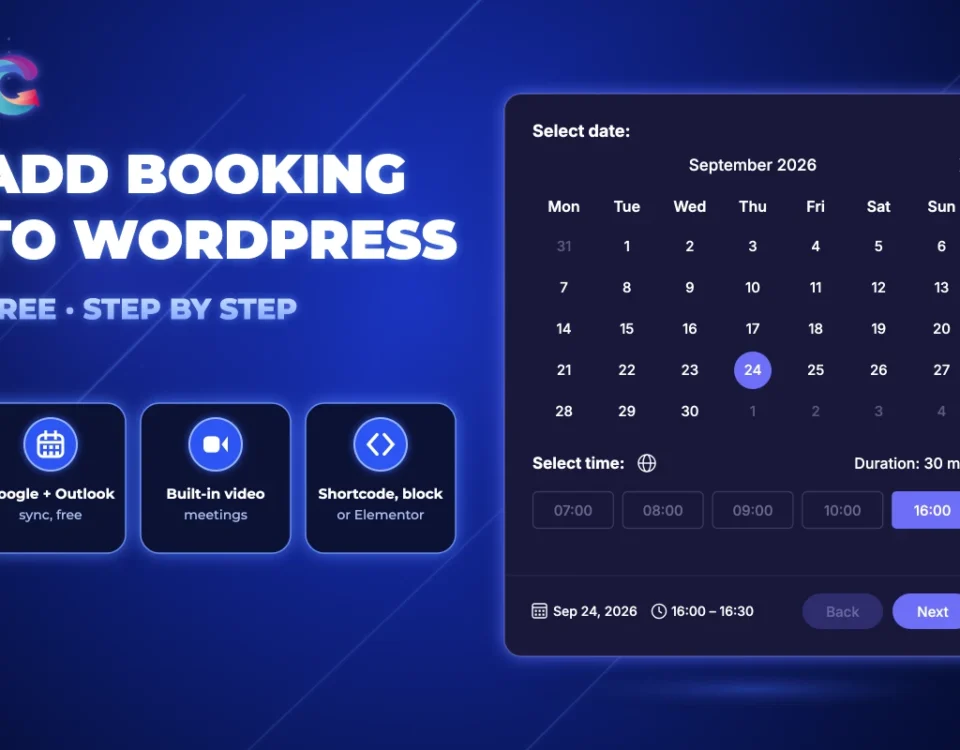
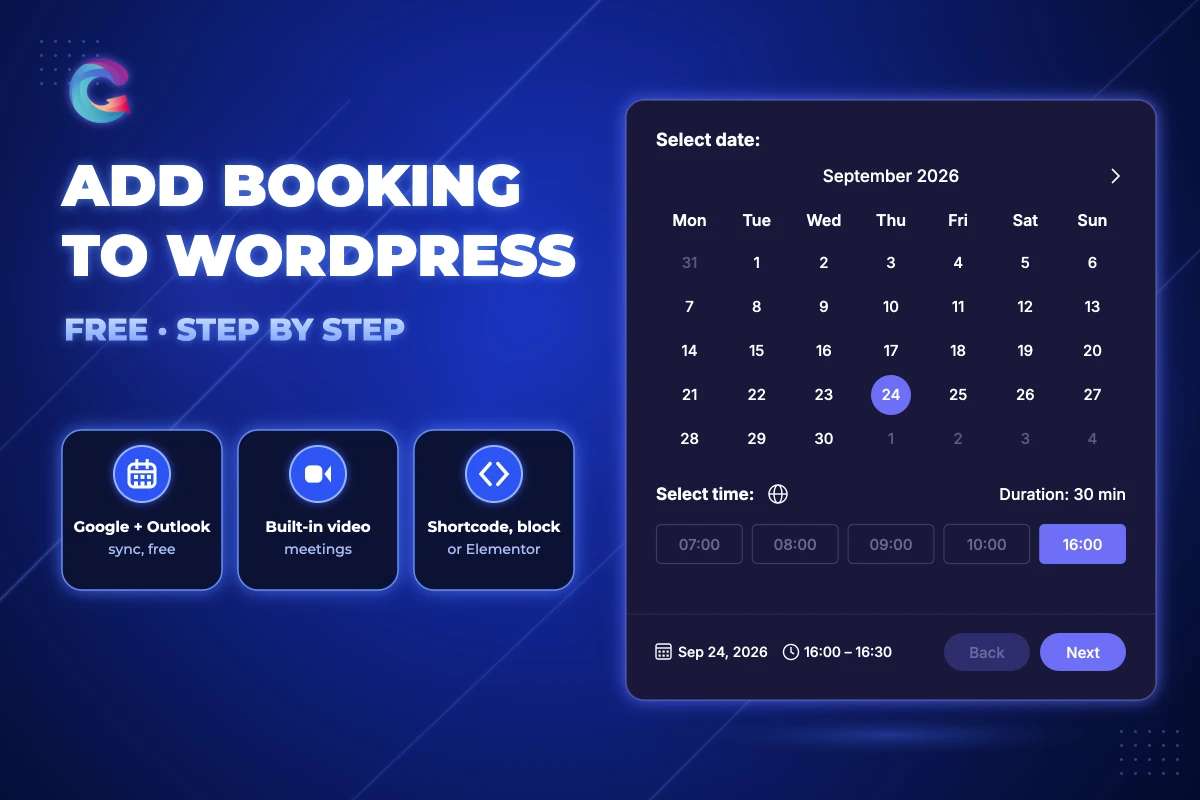
Add free appointment booking to WordPress in about 5 minutes: install Creavi, create a service, set your availability and embed it with a shortcode, block or Elementor.